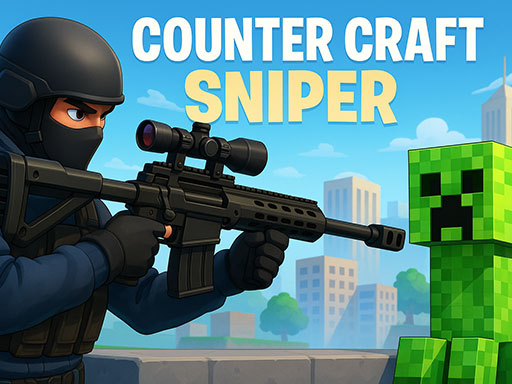
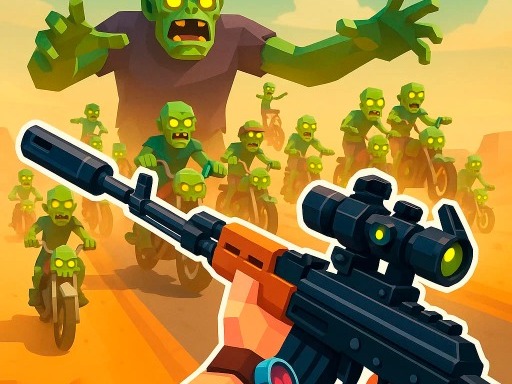
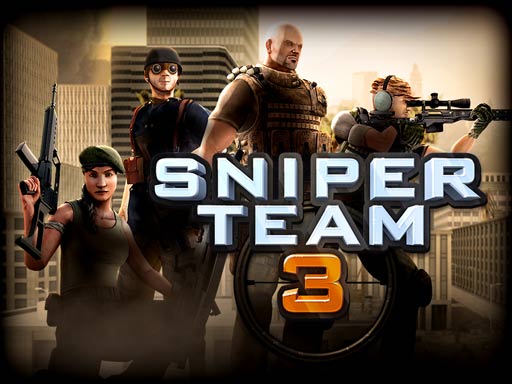
R is a documented reload key in several shooter listings, but a missing R is not proof of automatic reload. Likewise, 1-9 is a key range, not proof of nine equipped guns.
This guide checks stored publisher instructions, not input handlers or live builds. GameDistribution games are currently unavailable on this site; links below are reference pages.
A small, explicit binding comparison
| Game | Reload instruction | Selection instruction |
|---|---|---|
| Counter Craft Sniper | R | 1-9 select weapon |
| Zombie Road | R on PC | 1, 2, 3, 4 on PC |
| Sniper Team 3 | Middle mouse or R | Wheel or Q switches rifle; 1-4 switches team members |
| BattleDudes.io | R | Wheel or 1, 2, 3, 4; controls can be changed in settings |
The last example also shows why a publisher’s default keymap need not match a player’s saved settings. A key range does not disclose locked slots, item categories, carry limits or alternate menus.
Do not substitute a guessed key for a missing one
One record is particularly incomplete. ArmedForces.io reads Controls: or to move to fire to aim to slide while moving to run to change weapon to interact / pick up weapon to throw available dynamite to use available medkit before continuing with more actions. These are publisher-provided instruction strings; this listing omits the key names.
That is a documentation gap. It does not establish the original authoring process, whether controls are automatic, or which key to press. If a legitimate build later becomes available, consult its own help or settings instead of filling the gaps from another shooter.
Keep the active mode attached to the binding
The Walking Deadblocks lists Q, E or 1-5 for weapon switching in single-player. In co-op it assigns comma and period to Player 1 and Q/E to Player 2. The single-player row therefore is not a complete co-op instruction.
A compact reference card should contain mode, player, action, input, condition. For example: Sniper Team 3, controlled team member, reload, middle mouse or R, as documented. Its 1-4 team selection should occupy a different line from weapon selection.
Four checks before relying on a shortcut
- Read the action label, not just the number range.
- Confirm whether the row applies to PC, touch or a particular local player.
- Check for remapping or a condition such as a scoped weapon.
- Leave unlisted actions unknown; do not conclude that a wheel or reload mechanic is absent.
The scope guide covers a related trap: a right button can launch a rocket instead of opening a sight.