Play Going Balls 3D Online — Free Multiplayer IO Game
About Going Balls 3D
Going Balls 3D is a relaxing 3D rolling game where smooth control and calm focus are the key to winning. Swipe to steer the wooden platform and guide the ball forward—no need to rush, just keep it steady and reach the finish line without falling.
How to Play Going Balls 3D
Going Balls 3D Game Features
- Real-Time Multiplayer — Compete against real players online in Going Balls 3D
- Free to Play — 100% free with no hidden costs
- No Download — Play directly in your browser using HTML5
- Cross-Platform — Works on desktop, mobile, and tablet
- Battle IO Gameplay — battle io-style competitive mechanics
How Going Balls 3D compares to similar battle io games
The table below is a genuine side-by-side of the closest titles in this library to Going Balls 3D. They were matched on category and on shared tags rather than on popularity alone, so every row tells you something concrete: the frame the game renders in, whether it is built for a keyboard or a pointer, and which tags it actually has in common with Going Balls 3D. Use it to decide what to open next instead of clicking blind.
| Game | Category | Shared tags | Resolution | Orientation | Primary input |
|---|---|---|---|---|---|
| Going Balls 3D (this page) | Battle IO | — | 750 × 1334 | Portrait | Arrow keys / WASD |
| Bubble Shooter: Spinner Pop | FPS Shooters | arcade | 800 × 600 | Landscape | Mouse click / Tap |
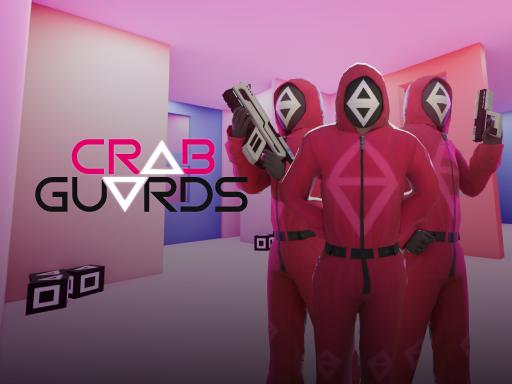
| Crab Guards | FPS Shooters | 3d | 1280 × 720 | Landscape | Mouse click or tap |
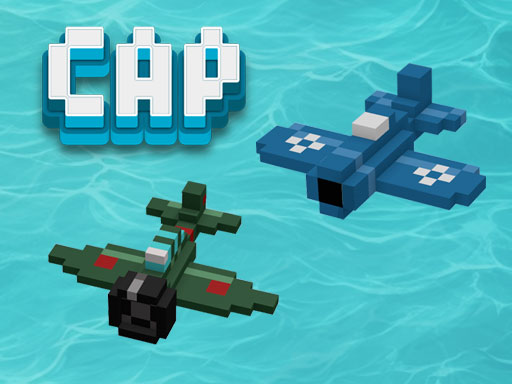
| C.A.P. | FPS Shooters | 3d | 800 × 600 | Landscape | Arrow keys / WASD |
| THE KULKA | FPS Shooters | ball | 1024 × 768 | Landscape | Mouse click / Tap |
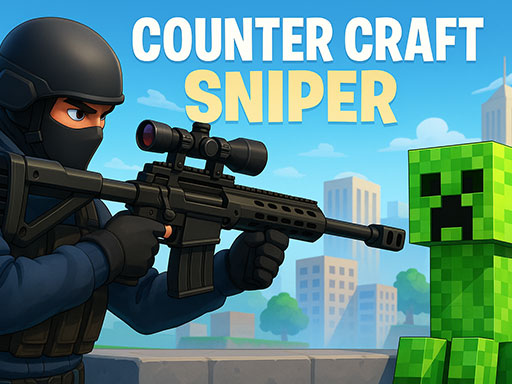
| Counter Craft Sniper | FPS Shooters | 3d | 960 × 600 | Landscape | Arrow keys / WASD |
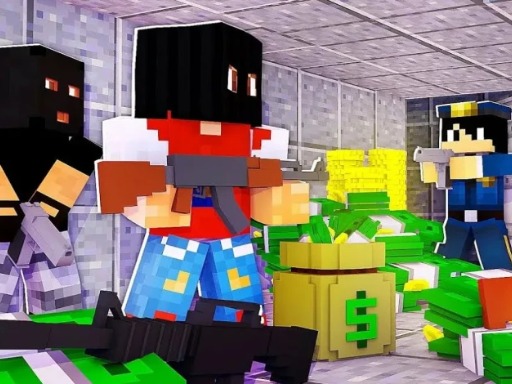
| Robberies 3D | FPS Shooters | arcade | 800 × 600 | Landscape | Arrow keys / WASD |
Controls and device compatibility
Going Balls 3D renders in a 750 × 1334 frame — a 0.56 aspect ratio in portrait orientation, so the practical recommendation is best on mobile. The input pattern below is read from the publisher instructions for this specific title rather than copied from a generic template, so it reflects how Going Balls 3D actually plays.
- Arrow keys / WASD — Movement runs through the keyboard, so a physical keyboard helps.
- Mouse click / Tap — Point and click on desktop, or tap the same spot on a touch screen.
- Drag / Swipe / Hold — Press and move instead of tapping once, which works on both mouse and touch.
| Resolution | 750 × 1334 |
|---|---|
| Aspect ratio | 0.56 |
| Orientation | Portrait |
| Recommended device | Best on mobile |
| Primary input | Arrow keys / WASD |
| Technology | HTML5 — runs in the browser with no install |
Frequently Asked Questions
Is Going Balls 3D free to play?
Yes, Going Balls 3D is completely free on FayLao IO. No hidden fees, no subscriptions. Just real-time multiplayer action.
Do I need to download Going Balls 3D?
No, Going Balls 3D runs in your web browser. No downloads or plugins needed — works on Chrome, Firefox, Safari, and Edge.
Can I play Going Balls 3D on mobile?
Yes, Going Balls 3D works on mobile devices with a modern browser. Touch controls are supported.
Is Going Balls 3D multiplayer?
Yes! Going Balls 3D is a real-time multiplayer IO game. Compete against other players online in your browser.
What are similar games to Going Balls 3D?
If you enjoy Going Balls 3D, try Bubble Shooter: Spinner Pop, Crab Guards, C.A.P.. Browse our Battle IO collection for more.
Games Like Going Balls 3D
More battle io games for competitive players.